
Your fan card, in your fans' phone wallets.
Upload pictures and pick colours to issue fan-club membership cards. Share one link: fans enter their name and tap add. Cards go into Apple Wallet on iPhone (Google Wallet on Android is coming soon). No app, no sign-up.
- Works with Apple Wallet
- Google Wallet coming soon
 HINATA FAN CLUB
Three steps
- 1
Design the card
Pick a template and add your pictures, logo and colours. Name, member number and join date fill in automatically.
- 2
Share the link
Put the public link in your social profile or a pinned post. At merch tables and events, print the QR code.
- 3
Fans add it to Wallet
Fans open the link, enter a name and add the card. Member numbers count up from 1.
Cards you can make
Pick a template, add your photo and colours. Sample photos are for illustration.
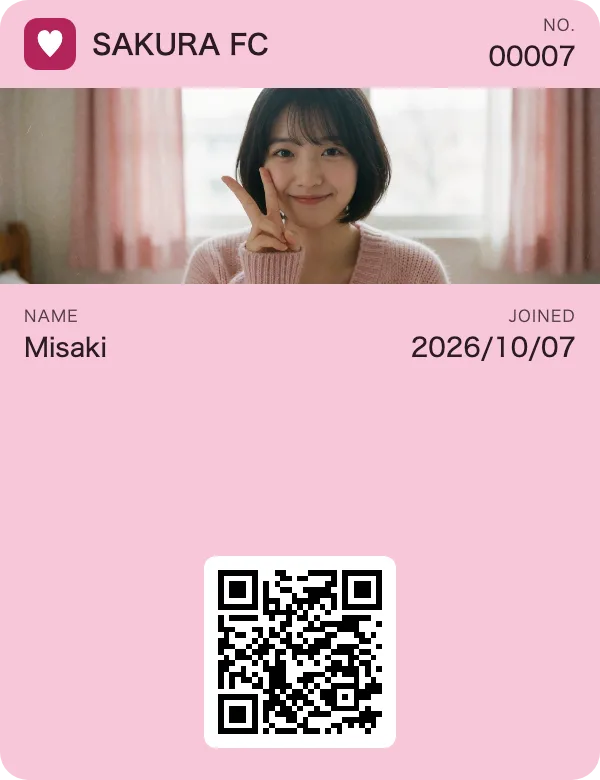
Big photo
The photo is the largest, sharpest image
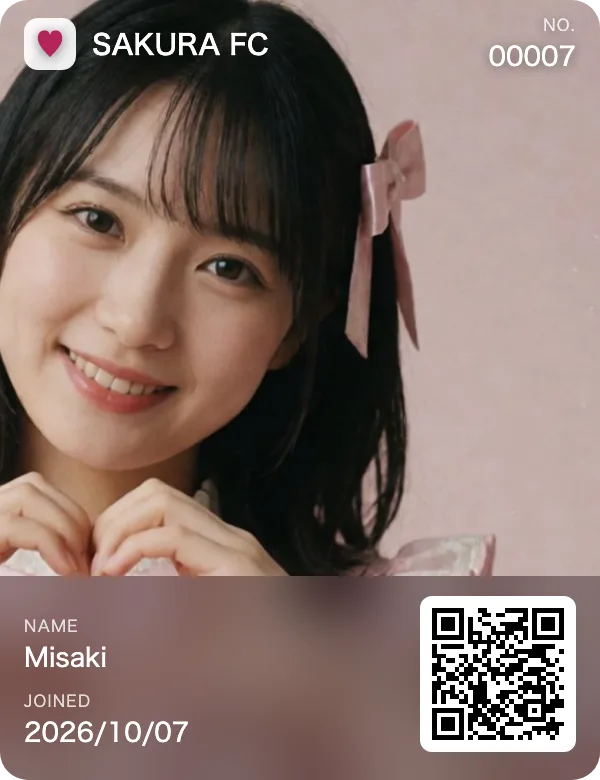
Full pictureComing soon
The photo fills the card. iPhones on iOS 27 or later only
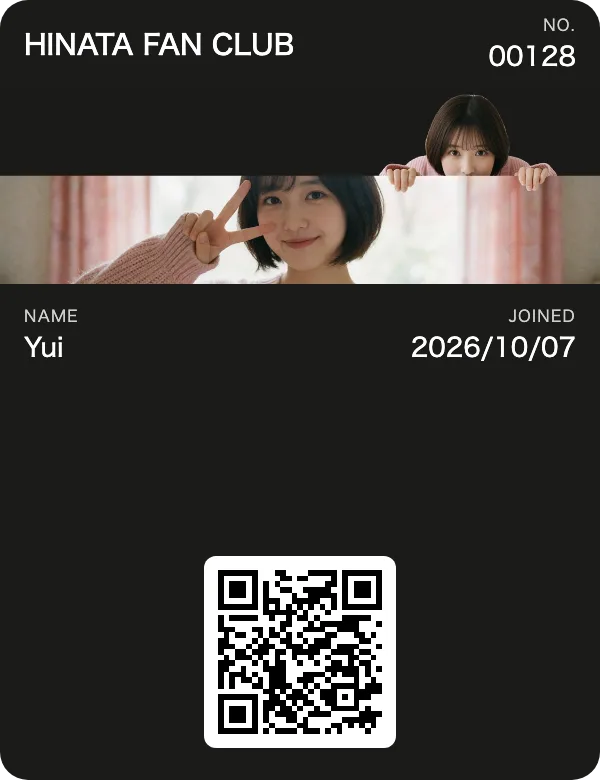
Peek-a-boo
Prepare a picture where they peek over the banner
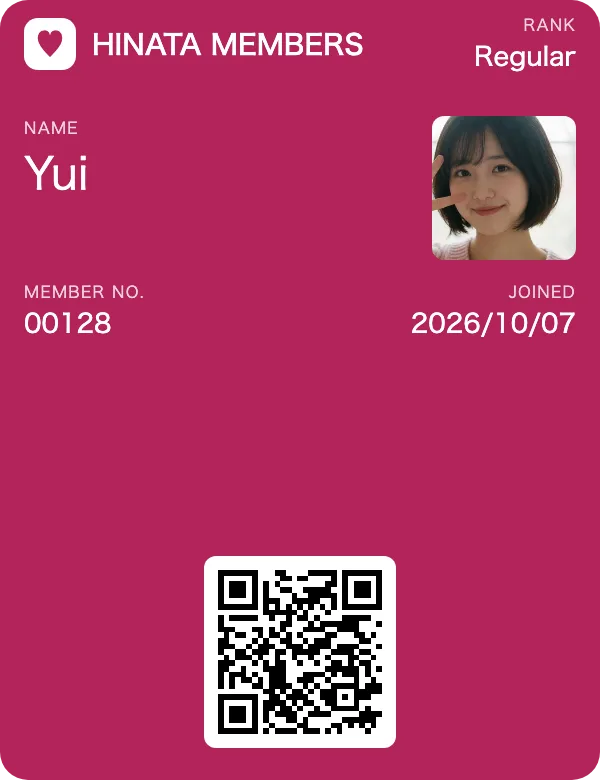
Classic member card
A face photo top right, the name up front
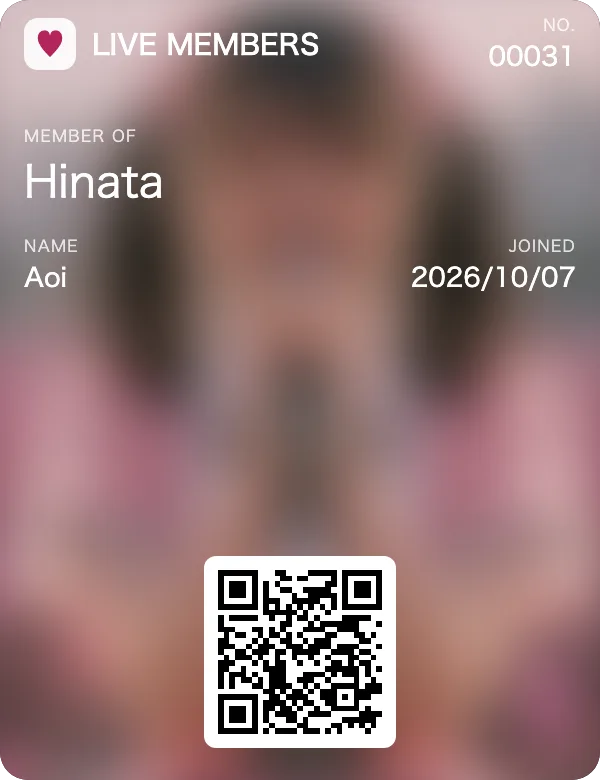
Mood
A full background, blurred by Wallet
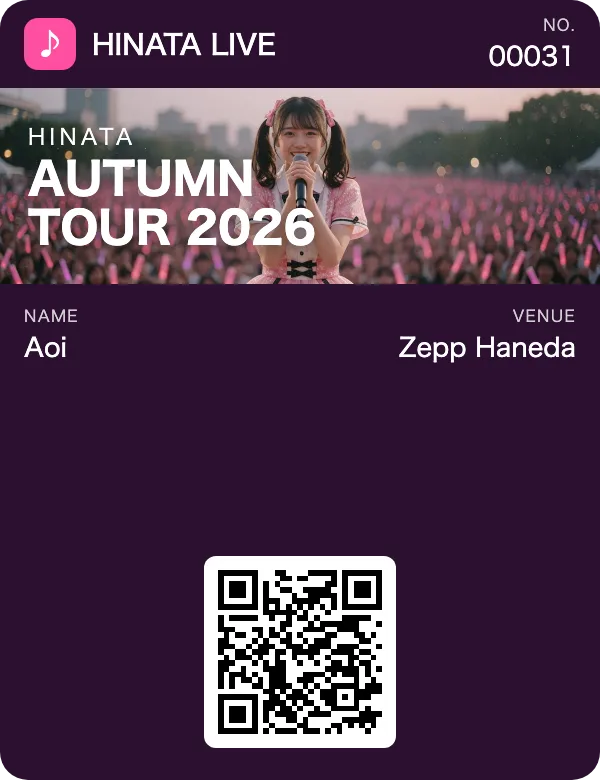
Tour & events
Put the show name in the banner — a gift for visitors
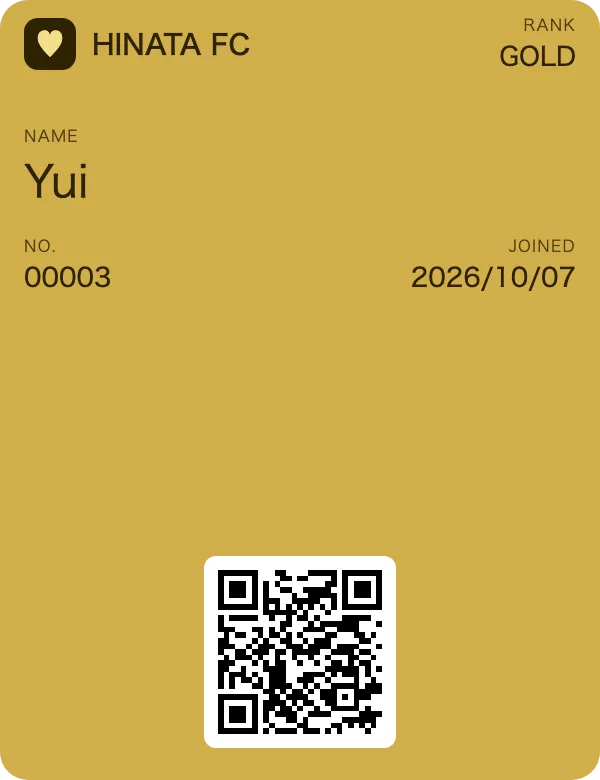
Member ranks
Colour variants with separate links
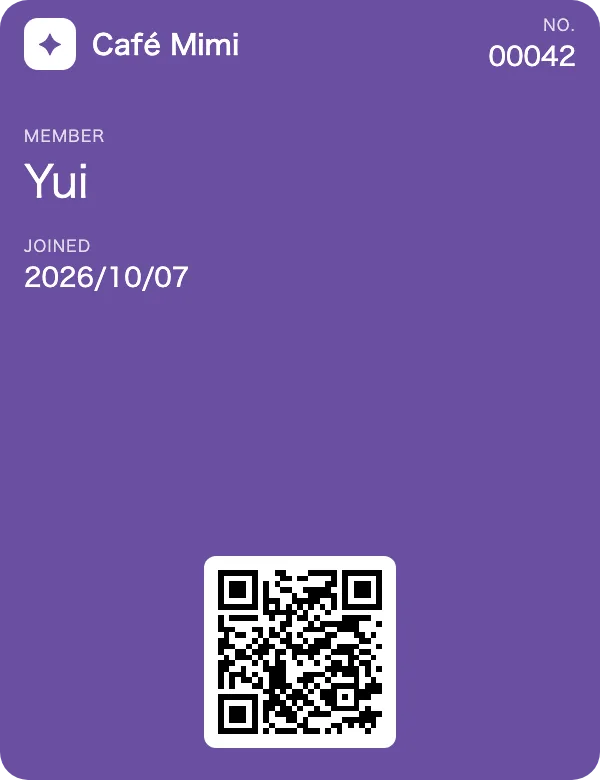
Logo & colour
No photo needed — great for shops and cafés
Apple Wallet allows pictures in four places on a card. See the FAQ
Features
No app, no sign-up
Cards live in the wallet built into the phone — Apple Wallet on iPhone, with Google Wallet on Android coming soon. Fans install nothing and give no email address.
Named, numbered cards
Each card carries the fan's name, an automatic number and the join date, plus a QR code for event check-in.
News as notifications
Change the news on the back of the card and fans see it on their lock screen. Great for show dates and perks (Standard and up).
Update designs later
Change pictures or colours and cards already handed out update too (Standard and above).
One card per phone
Duplicate adds on the same phone are tidied up automatically. Cards are counted by unique device.
See how it's going
Link opens, cards added and removed — all on your dashboard.
Made for
- Idol fan clubs
- VTuber and streamer memberships
- Band and artist show perks
- Illustrators and doujin circles
- Concept cafés and shops
- Event passes and keepsake cards
Pricing
Free for fans. Plans are monthly, for the creator who hands out the cards.
Free
¥0/ month
- 1 designs
- Up to 10 cards
- Public link & QR
- Invite links
- Update issued cards & news notifications
- No “Powered by”
Standard
¥980/ month
- 3 designs
- Up to 1,000 cards
- Public link & QR
- Invite links
- Update issued cards & news notifications
- Notifications: up to 1 per day, 30 per month per card
- No “Powered by”
Pro
¥2,980/ month
- Unlimited designs
- Up to 10,000 cards
- Public link & QR
- Invite links
- Update issued cards & news notifications
- Notifications: up to 1 per day, 30 per month per card
- No “Powered by”
- Add-on: ¥1,000 / month per 10,000 cards
News notifications: change the news on the back of the card, and fans get a notification on their lock screen. Available on Standard and Pro, up to 1 per day and 30 per month for each card. Not available on the Free plan.
To hand out more cards than your plan allows, add capacity to Pro (¥1,000 / month per 10,000 cards). Please contact us.
FAQ
- Do fans pay anything?
- No. Fans open the link and add the card to their wallet. No app or sign-up needed.
- Does it work on Android?
- It will be. Google Wallet support is on the way; for now cards work on iPhone (Apple Wallet). Once it is ready, Android fans can add cards from the same link.
- What images can I use?
- PNG or JPG. Crop them on screen; the sizes Wallet needs are made automatically. Use only images you hold the rights to.
- Can I put an image below the banner?
- No. Apple Wallet only allows images in four places: the logo (top left), the banner (Strip), the thumbnail (Card, top right) and the background (Background). Below the banner is reserved for fields such as name and member number, and the QR code. Put your artwork in the banner or the background.
- Can the whole card be one picture?
- The Background template fills the whole card, but Wallet blurs it automatically so the text stays readable. To show a photo large and sharp, use the Strip template — its banner is the biggest image on the card.
- Are images visible when cards are stacked in Wallet?
- When stacked, Wallet shows only the top row of each card (logo, card name, top-right field) and its background colour. The banner and photos appear when the card is opened. A distinctive logo and colour make the card easy to spot in the stack.
- Can I change cards after handing them out?
- On Standard and above, change the design or news and press “Update now” — cards already handed out update too.
- What happens to cards if I cancel?
- Cards stay in fans' Wallets and keep working. Updates and notifications stop.
- How do I log in?
- Creators sign in with an Apple or Google account. No passwords to manage.